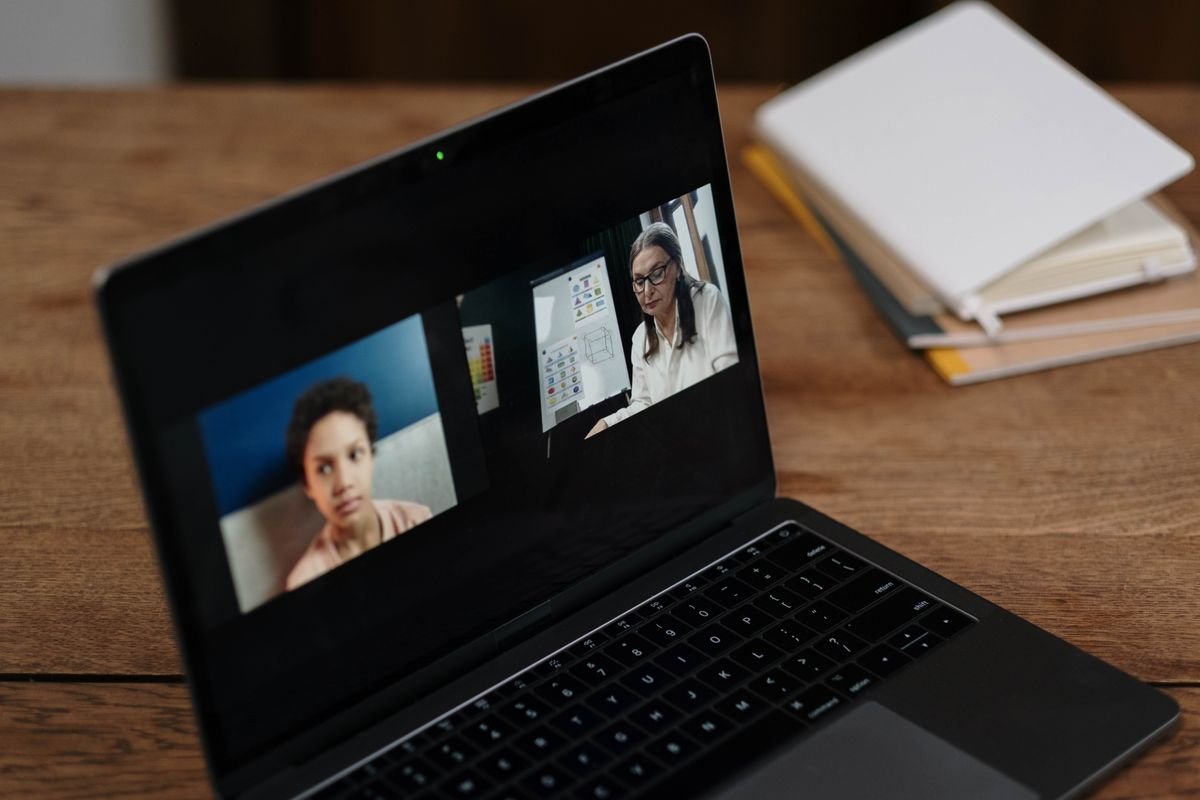
Why Proctored Exams Feel So Different
Online proctored exams add an extra layer of pressure on top of the material itself — a webcam watching you, strict ID checks, locked-down browsers, and a ticking clock. The good news is that most of that stress comes from the unknown, not the exam content. Once you understand exactly what to expect and prepare your environment properly, a proctored exam is no harder than a regular one.
1. Test Your Tech the Night Before
Run the proctoring software's system check at least 24 hours in advance, not five minutes before your start time. Confirm your webcam, microphone, and internet connection all meet the platform's minimum requirements, and keep a backup device or mobile hotspot ready in case your primary connection drops.
2. Set Up a Clean, Quiet, Well-Lit Space
Most proctoring tools require a 360-degree room scan. Clear your desk of notes, phones, and second monitors, close unnecessary background apps, and let anyone in your household know not to interrupt you during the scheduled window.
3. Read the Rules Before Exam Day
Every institution has slightly different proctoring rules — some allow scratch paper, others don't; some allow a single monitor, others require you to unplug a second screen entirely. Read the instructions your school or testing provider sends and confirm anything unclear ahead of time rather than during a live session.
4. Practice Under Timed Conditions
Simulate the real exam by doing timed practice sets in the same quiet room you'll use on exam day. This trains your pacing and gets you comfortable with the pressure of a visible countdown.
5. Have Your ID and Materials Ready
Most proctoring systems require a government-issued photo ID scan before you can begin. Keep it next to your keyboard so you're not scrambling through drawers while the clock is already running.
6. Manage Exam-Day Anxiety
Arrive at your desk 15–20 minutes early, breathe, and resist the urge to cram right up to the start time. A calm nervous system recalls information far better than a panicked one.
7. Know What Counts as a Flag
Looking away from the screen too often, talking to yourself, or leaving the frame can all trigger automated flags. Keep your eyes on the screen, stay seated, and avoid talking unless the exam explicitly allows it.
8. Have a Backup Plan for Tech Failures
Know your proctoring provider's support number and your institution's academic contact before you start, so if your software crashes mid-exam you can resolve it quickly instead of losing time in a panic.
9. Pace Yourself Through the Question Set
Skim the full exam first if allowed, answer what you know confidently, and flag harder questions to revisit rather than getting stuck early and running out of time later.
10. Get Support If You're Overwhelmed
If you're juggling multiple certification exams, a heavy course load, or simply feel out of your depth, professional academic support services can help you prepare more efficiently and walk into exam day with real confidence instead of guesswork.
Final Thoughts
A proctored exam is a test of preparation as much as knowledge. Handle the logistics ahead of time, keep your environment predictable, and you remove almost all of the extra stress that makes these exams feel harder than they are.
Back to All Blogs